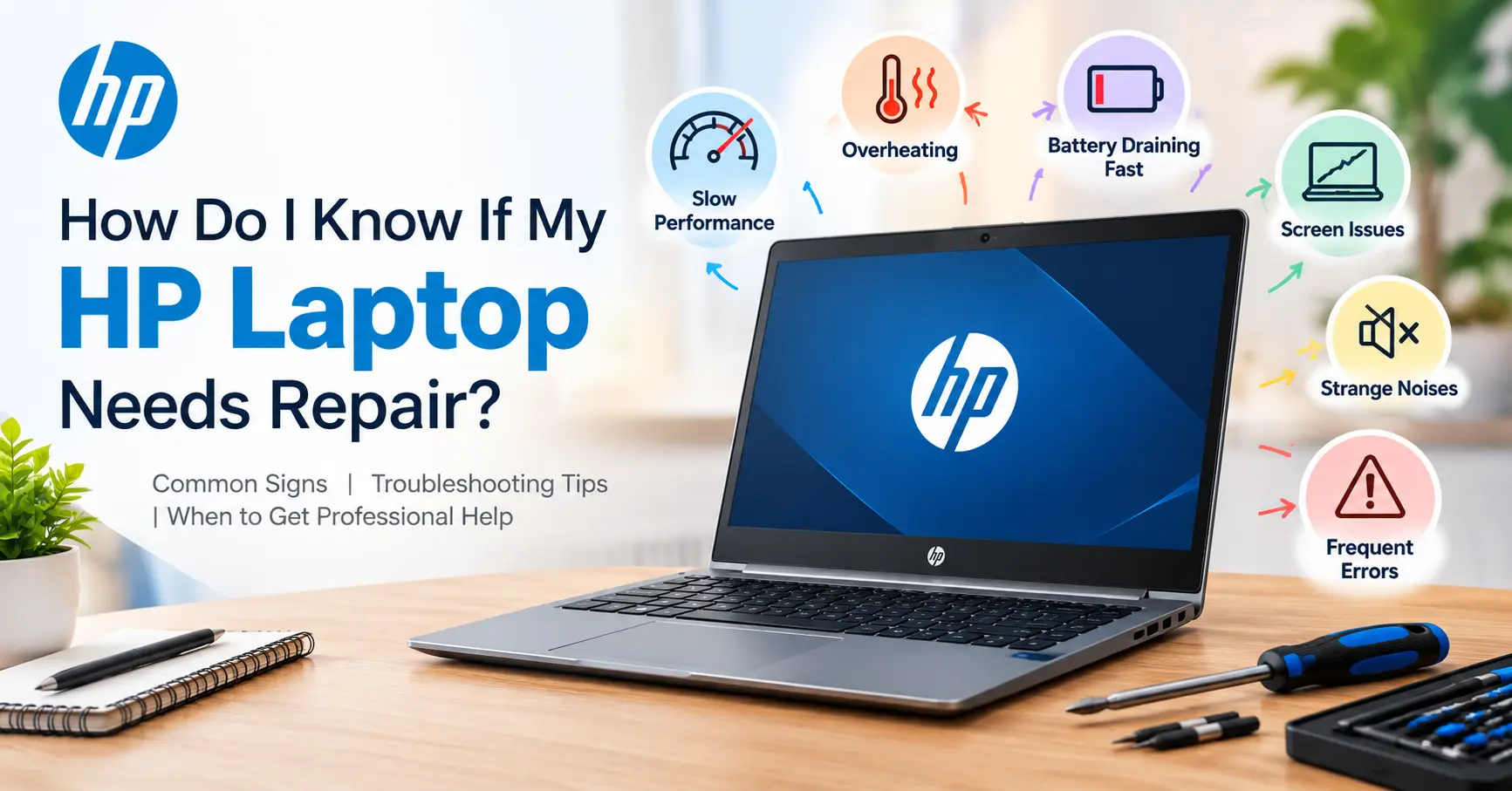

A laptop is an essential device for work, study, entertainment, and everyday tasks, but like any electronic device, it does not last forever. Most laptops can remain reliable for several years with proper care, although certain components may require maintenance or replacement sooner. If your device is showing signs of slowing down, overheating, battery problems, or unexpected shutdowns, visiting a Laptop Repair Shop in Sonarpur can help identify the issue before it becomes more serious.
Table of Contents
ToggleHow Many Years Does a Laptop Usually Last?
On average, a laptop can last around 3 to 7 years, depending on its build quality, usage, maintenance, and hardware specifications. A basic laptop used occasionally for browsing and documents may remain functional for many years, while a high-performance machine used for gaming, video editing, programming, or professional workloads may experience component wear sooner.
The lifespan of a laptop does not necessarily mean that it will stop working completely after a certain number of years. Instead, performance gradually changes. The operating system may become slower, newer applications may demand more processing power, and older hardware may struggle with modern software.
A well-maintained laptop can often continue working beyond its expected lifespan. However, the cost and availability of replacement parts also matter. Repairing an older device may not always be practical if several components are failing at the same time.
Factors That Affect Laptop Lifespan
Several factors determine how long a laptop remains dependable. Understanding them can help you make better decisions about maintenance and repairs.
1. Usage intensity: A laptop used for simple web browsing and office work generally experiences less stress than one used for gaming, 3D rendering, programming, or video production.
2. Build quality: Premium laptops often use stronger materials and better cooling systems, while inexpensive models may have components designed for lighter workloads.
3. Heat management: Excessive heat can affect the processor, graphics hardware, motherboard, battery, and other internal components. Blocked air vents and accumulated dust can make the problem worse.
4. Battery condition: Lithium-ion batteries naturally lose capacity over time. After several years, a laptop may need frequent charging or may shut down unexpectedly.
5. Software maintenance: Outdated drivers, unnecessary programs, malware, and a cluttered operating system can contribute to poor performance.
6. Physical handling: Accidental drops, liquid spills, damaged charging ports, and broken hinges can significantly shorten a laptop’s useful life.
When Does a Laptop Start Needing Repair?
There is no fixed age at which every laptop needs repair. Some devices may require servicing after two or three years, while others can operate for five years or longer without a major problem. The important factor is recognizing warning signs early.
Common symptoms include unusually slow performance, frequent freezing, overheating, fan noise, battery draining quickly, display problems, keyboard failures, charging issues, and unexpected restarts.
If the laptop takes considerably longer to start than it used to, applications frequently stop responding, or the system becomes hot during ordinary tasks, the problem could be related to storage, RAM, cooling, software, or another internal component.
Ignoring these symptoms can sometimes turn a relatively simple repair into a more expensive one. For example, continued overheating may put additional stress on internal hardware, while a failing storage drive can eventually result in data loss.
Common Laptop Repairs You May Need
Laptop repair requirements vary according to the model and the way the device has been used. Some problems are relatively simple, while others require detailed hardware diagnostics.
Typical repair and maintenance services include:
- Battery replacement, charging-port repair, keyboard replacement, screen replacement, and hinge repair.
- RAM or SSD upgrades, operating-system troubleshooting, malware removal, overheating diagnosis, fan cleaning, and motherboard-level repairs.
An SSD upgrade, for example, can make an older laptop feel considerably faster when its original hard drive has become a performance bottleneck. Similarly, adding compatible RAM may improve multitasking if the existing memory is insufficient.
However, upgrades should be considered alongside the laptop’s overall condition. If the motherboard, display, battery, and storage are all approaching the end of their useful life, replacing the entire laptop may provide better long-term value.
How to Know When to Visit a Laptop Repair Shop in Sonarpur
Choosing the right time for professional servicing can prevent unnecessary downtime. You do not always have to wait until your laptop completely stops working. In fact, early diagnosis is often more useful because technicians can identify developing problems before they cause further damage.
Consider professional assistance if you notice:
- Persistent overheating or unusually loud fan noise.
- Repeated blue-screen errors, freezing, or unexpected shutdowns.
- A battery that drains unusually fast or refuses to charge.
- A cracked display, malfunctioning keyboard, loose hinge, or damaged charging connector.
- Extremely slow startup or application performance despite basic troubleshooting.
A reliable Laptop Repair Shop in Sonarpur can inspect the device, identify the underlying cause, and explain whether repair, component replacement, or an upgrade is appropriate.
Is Repairing an Old Laptop Worth It?
Repairing an older laptop can be worthwhile when the problem is limited to one or two replaceable components. Battery replacement, SSD installation, RAM upgrades, keyboard replacement, or cooling-system maintenance can sometimes extend the useful life of a device by several years.
The decision becomes more complicated when the laptop has suffered major motherboard damage or multiple components are failing. In such situations, repair costs may approach the price of a newer machine.
Before making a decision, consider the laptop’s age, current performance, repair cost, replacement-part availability, and your computing requirements. A professional technician can provide a diagnosis and help you compare the available options.
For users searching for the Best Laptop Repair Shop in Sonarpur, it is important to look beyond price. A good service provider should offer proper diagnosis, transparent communication, compatible replacement components, and careful handling of customer data.
How to Extend Your Laptop’s Lifespan
Regular maintenance can significantly improve the reliability and longevity of a laptop. Keeping the device clean, allowing adequate airflow, and avoiding extreme temperatures are simple but effective practices.
Do not regularly use the laptop on soft surfaces such as beds or thick blankets because they can block ventilation openings. Keep liquids away from the device, handle the charging cable carefully, and avoid carrying an open laptop by the screen.
Software maintenance is equally important. Keep the operating system and essential drivers updated, remove applications you no longer use, and maintain reliable security protection. Regularly backing up important documents to an external drive or secure cloud storage can also protect you if the storage device fails.
Battery care matters too. Modern laptops generally manage charging intelligently, but excessive heat remains harmful to battery health. If the battery begins swelling, becomes unusually hot, or shows physical damage, stop using it and seek professional assistance.
For people looking for an Affordable Laptop Repair Shop in Sonarpur, affordability should not mean choosing the cheapest service without considering quality. A low-cost repair using incompatible or poor-quality components may create additional problems later. Instead, look for a balance between service quality, component reliability, warranty, and overall repair value.
When Should You Replace Your Laptop Instead of Repairing It?
Repair is not always the best solution. If a laptop is extremely old, struggles with basic modern applications, has limited upgrade options, or requires several expensive repairs, replacement may make more financial sense.
Another consideration is software compatibility. Older hardware may eventually become incompatible with newer operating systems, applications, security requirements, or connectivity standards. If your laptop can no longer meet your daily requirements, spending heavily on repairs may only provide a temporary solution.
On the other hand, replacing a laptop simply because it has become slightly slower may be unnecessary. An SSD upgrade, RAM expansion, battery replacement, or internal cleaning could restore useful performance at a much lower cost.
The right decision depends on the condition of the entire machine rather than its age alone. A professional inspection can help you understand whether your laptop still has several useful years ahead of it.
Choosing the Right Repair Service
When your laptop develops a problem, selecting a dependable repair provider can make a significant difference. Look for technicians who diagnose the issue before recommending replacement parts or services. Clear pricing, proper communication, data privacy, and service warranty are also valuable considerations.
Pixel Computer is one local option users may consider when looking for laptop-related repair assistance and technical support.
For anyone comparing an Affordable Laptop Repair Shop in Sonarpur, checking service quality, technician experience, replacement-part compatibility, and after-service support can help avoid poor repair decisions.
Conclusion
A laptop typically lasts around 3 to 7 years, but its actual lifespan depends heavily on usage, maintenance, hardware quality, heat management, and physical care. Some devices can remain useful for considerably longer when components are maintained or upgraded at the right time.
If your laptop is becoming unusually slow, overheating, failing to charge, or showing other hardware symptoms, early diagnosis can often save you from more serious problems. A trusted Laptop Repair Shop in Sonarpur can assess the condition of your device and help you decide whether repair, an upgrade, or replacement is the most sensible option.
FAQs
1. How long does an average laptop last?
Most laptops last about 3 to 7 years, depending on usage, maintenance, and build quality.
2. When should I repair my laptop?
Consider repair when you notice overheating, battery problems, slow performance, charging issues, or hardware damage.
3. Is repairing a five-year-old laptop worth it?
It can be worthwhile if the repair is affordable and the laptop’s other components are still in good condition.
4. Can an SSD make an old laptop faster?
Yes. Replacing an older hard drive with a compatible SSD can significantly improve startup and application loading speeds.
5. Should I repair or replace my laptop?
Compare the repair cost, laptop condition, performance, upgrade options, and expected remaining lifespan before deciding.