
An HP laptop can develop problems gradually, making it difficult to know whether an issue is temporary or requires professional attention. If you are searching for HP laptop repair service in Sonarpur, recognizing the early warning signs can help you avoid more serious hardware or software damage. Problems such as overheating, slow performance, battery failure, display issues, unexpected shutdowns, and unusual sounds should not always be ignored.
Timely laptop maintenance can improve reliability, protect your important files, and potentially prevent a minor fault from becoming an expensive repair. This guide explains the most common signs that your HP laptop may need servicing and when it is better to consult a technician.
Table of Contents
ToggleWhat Are the Signs That an HP Laptop Needs Repair?
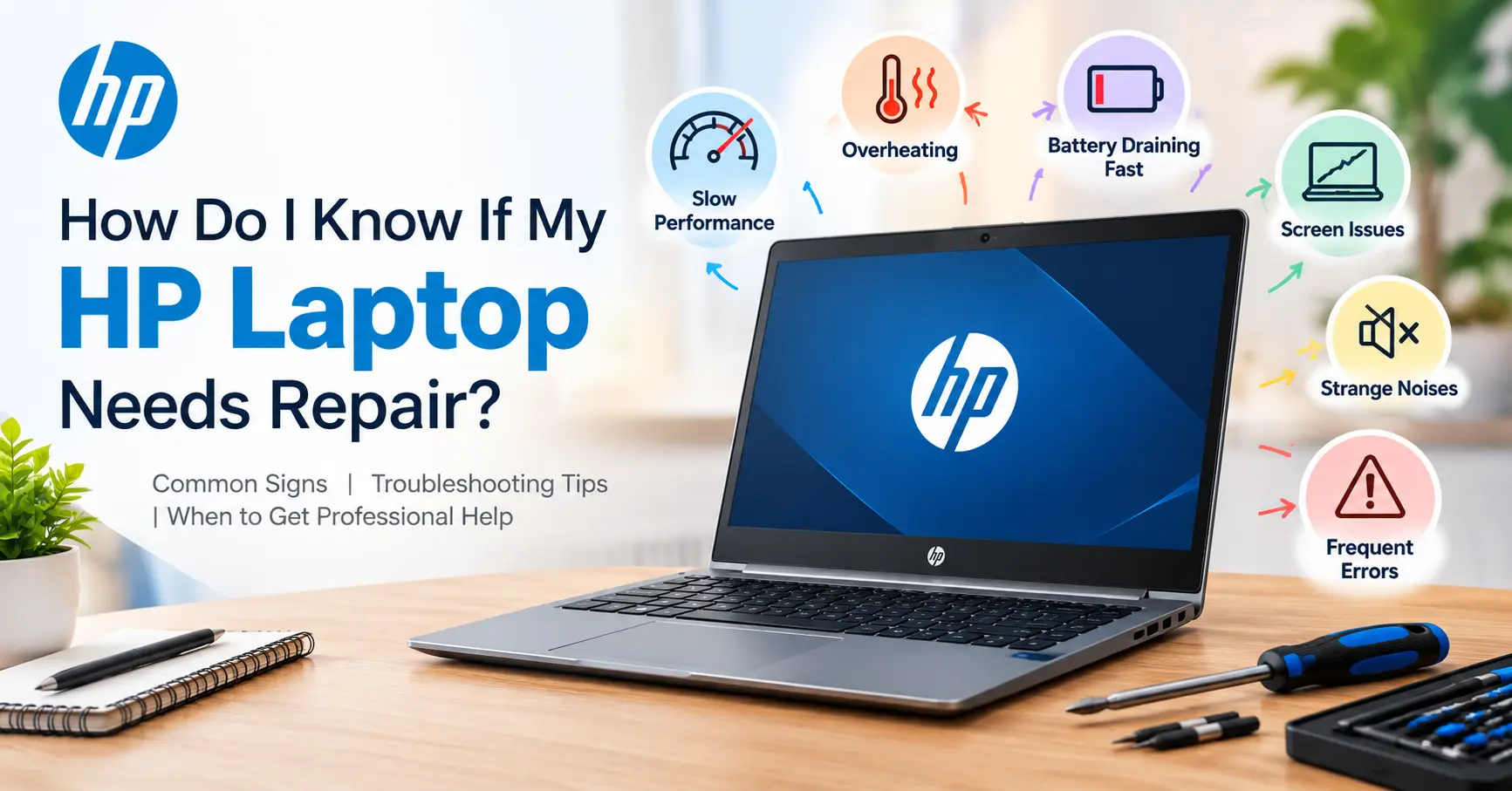
Not every laptop problem requires immediate professional repair. Sometimes restarting the device, updating Windows, removing unnecessary applications, or checking available storage can solve a minor software issue. However, recurring problems or symptoms involving hardware usually deserve closer attention.
Here are some important warning signs to watch for:
1. Laptop Is Suddenly Very Slow
If your HP laptop has become noticeably slower than before, several factors could be responsible. Too many startup applications, insufficient storage, outdated drivers, malware, limited RAM, or a failing hard drive can all affect performance.
A laptop that takes unusually long to boot, freezes frequently, or struggles with basic applications should be diagnosed rather than repeatedly restarted. If performance continues to deteriorate after basic troubleshooting, professional inspection may be worthwhile.
2. Frequent Overheating
Laptops naturally become warm during demanding tasks, but excessive heat is a warning sign. If the fan constantly runs at high speed, the keyboard becomes unusually hot, or the laptop shuts down because of temperature, the cooling system may need attention.
Dust accumulation around the fan and air vents can restrict airflow. Thermal paste can also lose effectiveness over time. A technician can inspect the cooling fan, heatsink, ventilation system, and internal components and perform appropriate cleaning or maintenance.
3. Battery Drains Very Quickly
A battery that once lasted several hours but now lasts only a short period may be reaching the end of its useful life. Other warning signs include the laptop shutting down unexpectedly, failing to charge properly, or showing an inaccurate battery percentage.
Battery health can be checked through system diagnostics and other built-in tools. If the battery has significantly degraded, replacement may restore normal portability. Swollen batteries should receive immediate professional attention because they can damage other internal components.
4. Screen Flickering or Display Problems
Display problems can range from software-related driver issues to physical hardware faults. Flickering, horizontal or vertical lines, distorted colors, a dim screen, or a display that goes completely black may indicate a problem with the LCD panel, display cable, graphics hardware, or driver.
If an external monitor works normally while the laptop screen does not, the issue may be associated with the laptop’s display assembly. A technician can perform diagnostic tests to identify the actual cause.
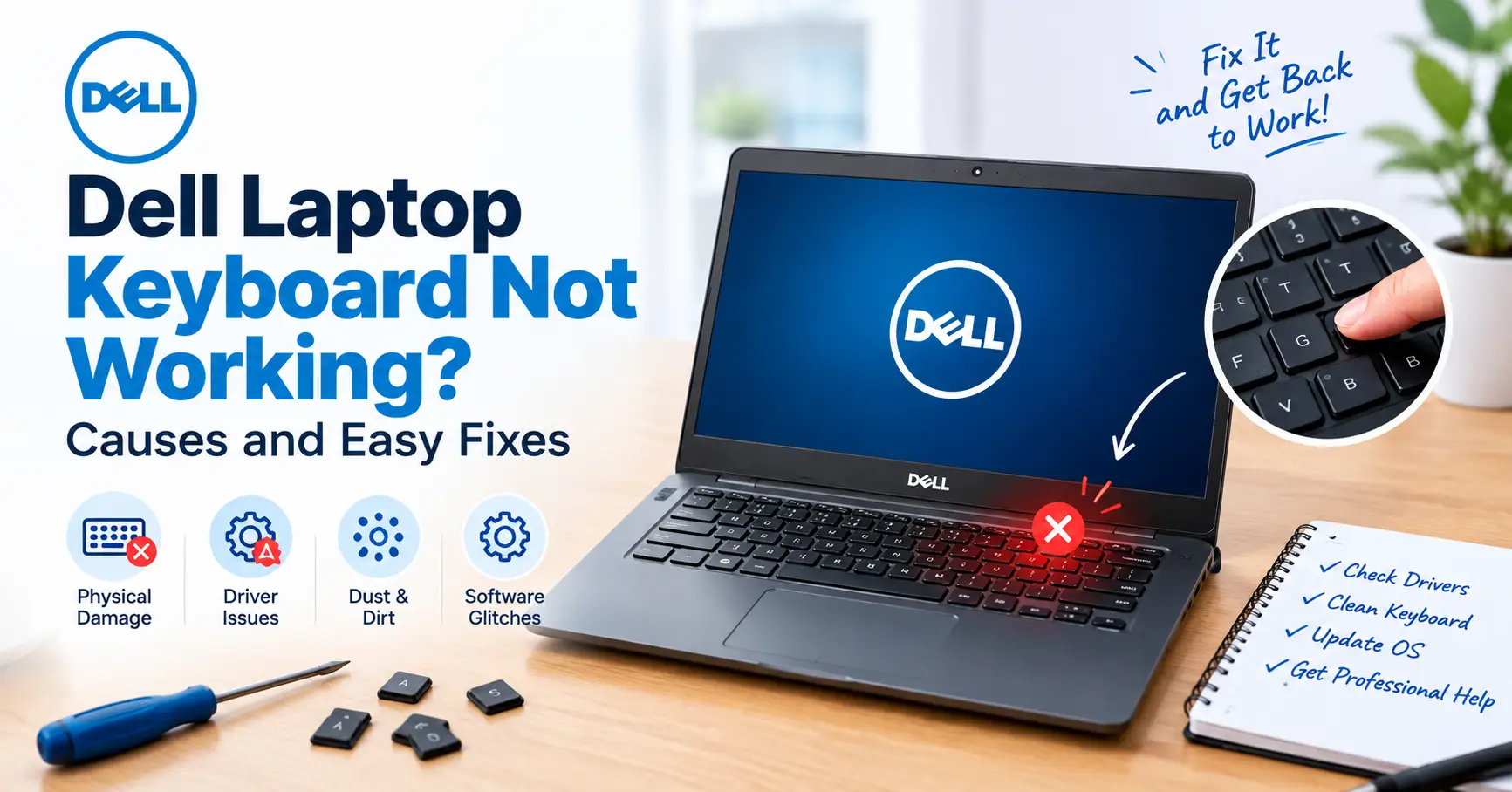
5. Keyboard or Touchpad Stops Working
Individual keys occasionally stop responding because of dirt or physical damage, while widespread keyboard problems may have a deeper cause. Similarly, an unresponsive or erratic touchpad can result from driver issues, settings, physical damage, or internal connection problems.
If restarting or updating the relevant drivers does not resolve the issue, professional diagnosis can prevent unnecessary component replacement.
6. Laptop Makes Unusual Noises
Fans naturally produce some noise, especially during intensive workloads. However, clicking, grinding, buzzing, or repeated mechanical sounds should not be ignored.
Traditional hard disk drives can make clicking sounds when they begin to fail. A damaged cooling fan can also produce grinding or rattling noises. If unusual sounds appear alongside slow performance or file errors, back up important data as soon as possible and have the laptop inspected.
HP Laptop Repair Service in Sonarpur: When Should You Visit a Technician?
Knowing when to seek professional assistance can save time and reduce the risk of further damage. If an issue keeps returning despite basic troubleshooting, it is better to have the laptop professionally diagnosed.
Some problems should be treated as stronger indicators that your device needs technical attention:
- The laptop does not turn on even after checking the charger and power connection.
- Windows repeatedly crashes, freezes, or displays blue-screen errors.
- The charging port becomes loose or works only at a particular angle.
- The laptop overheats and shuts down unexpectedly.
- The display remains black or shows persistent lines and distortion.
- Important files disappear, become corrupted, or cannot be accessed.
These symptoms can point to problems involving the motherboard, SSD or hard drive, RAM, power circuit, charging system, cooling assembly, display, or operating system.
Why Is Professional Diagnosis Important?
Trying random fixes can sometimes make a laptop problem worse. For example, installing incompatible drivers, opening the chassis without the right tools, or replacing a component without identifying the actual fault can result in additional complications.
A qualified technician generally starts with diagnosis before recommending a repair. Depending on the symptoms, the process may include checking system health, storage condition, memory, battery status, temperature, charging performance, display output, and hardware connections.
Professional troubleshooting is particularly useful when the problem involves the motherboard or power circuitry. These components require specialized knowledge and equipment, and incorrect handling can cause permanent damage.
How to Choose the Best HP Laptop Repair Service in Sonarpur
When selecting the Best HP laptop repair service in Sonarpur, consider more than just the advertised price. A reliable service provider should explain the problem clearly and provide an estimate before carrying out major repairs.
Check whether the technician has experience working with your specific HP laptop series. HP offers a wide range of devices, including Pavilion, Envy, EliteBook, ProBook, Spectre, Victus, and other models, and their internal configurations can differ considerably.
It is also useful to ask about replacement parts. Find out whether the component is original, compatible, or refurbished and whether any warranty is provided. A clear service receipt can also help you keep track of the work performed.
HP Laptop Repair Shop in Sonarpur: What Services May Be Available?
A professional HP laptop repair Shop in Sonarpur may handle a wide range of hardware and software problems. Depending on the technician’s capabilities, services can include laptop diagnostics, operating system troubleshooting, SSD upgrades, RAM upgrades, keyboard replacement, screen replacement, battery replacement, fan cleaning, thermal maintenance, charging-port repair, and motherboard diagnosis.
Software-related support may include Windows troubleshooting, driver installation, malware removal, system optimization, data backup, and application-related issues.
Before giving your laptop for repair, describe the problem accurately. Mention when it started, whether it happens regularly, and whether you recently installed software, updated Windows, dropped the device, or experienced a power-related incident. These details can make diagnosis faster.
What Is the Difference Between an HP Laptop Service Center and a Repair Shop?
People often use the terms HP laptop service center and repair shop interchangeably, but they can refer to different types of support. An authorized service facility may follow the manufacturer’s service procedures and handle warranty-related work according to applicable terms. Independent repair shops may provide broader repair and upgrade options, sometimes at different prices.
If your laptop is still under warranty, check the warranty conditions before using third-party repair services. Unauthorized opening or component replacement may affect warranty coverage depending on the applicable terms.
For an out-of-warranty laptop, compare the technician’s expertise, repair estimate, component quality, turnaround time, and warranty rather than choosing solely based on the name of the service provider.
How Can You Prevent HP Laptop Problems?
Good maintenance can reduce the frequency of many common laptop problems. Keep the ventilation openings unobstructed, avoid using the device on soft surfaces for extended periods, keep Windows and essential drivers updated, and maintain adequate free storage.
You should also back up important documents regularly. If your laptop starts behaving unusually, backing up data before troubleshooting is a sensible precaution, particularly when storage failure is suspected.
Avoid eating or drinking directly over the laptop and handle the charging cable carefully. Physical damage to ports, hinges, keyboards, and screens is often preventable with careful everyday use.
Should You Repair or Replace Your HP Laptop?
Repair is usually worth considering when the laptop still meets your performance needs and the required repair is relatively straightforward. A battery, keyboard, fan, SSD, or RAM replacement can extend the useful life of a good laptop.
Replacement may make more sense when the device is very old, has multiple major hardware failures, or requires a repair that approaches the cost of a suitable newer laptop. Consider performance, repair expenses, battery health, storage capacity, software compatibility, and your future requirements before deciding.
Pixel Computer provides computer and laptop-related technical support for users who need assistance with diagnosing and resolving device problems.
Conclusion
Recognizing warning signs early can make laptop maintenance easier and potentially reduce repair expenses. Persistent overheating, battery problems, display faults, unusual noises, charging issues, repeated crashes, and serious performance degradation are all reasons to investigate further.
If you need HP laptop repair service in Sonarpur, professional diagnosis can help identify whether the problem is related to hardware, software, or routine maintenance. Addressing the issue at the right time can help keep your HP laptop dependable and extend its useful working life.
Frequently Asked Questions
1. How do I know if my HP laptop needs repair?
Recurring crashes, overheating, battery failure, display issues, unusual noises, or charging problems can indicate that professional repair is needed.
2. Is a slow HP laptop always a hardware problem?
No. Slow performance can result from software, insufficient storage, malware, or hardware problems such as failing storage or inadequate RAM.
3. Can an overheating HP laptop be repaired?
Yes. Depending on the cause, cleaning the cooling system, replacing a faulty fan, or renewing thermal maintenance may resolve the problem.
4. Is an HP laptop service center better than an independent repair shop?
It depends on your needs. Warranty-covered repairs may require an authorized facility, while independent technicians may offer different repair and upgrade options for out-of-warranty devices.
5. Should I repair an old HP laptop or buy a new one?
Compare the repair cost, laptop age, performance, remaining useful life, and cost of a suitable replacement before deciding.