A printer may look like a simple office device, but regular servicing plays an important role in maintaining print quality, reducing paper jams, and preventing unexpected breakdowns. Whether you use an inkjet printer, laser printer, multifunction printer, or office photocopier, routine maintenance can extend its working life. If you need professional maintenance or troubleshooting, a reliable Printer Repair Shop in Sonarpur can inspect the device and identify issues before they become expensive repairs.
Table of Contents
ToggleWhy Is Regular Printer Servicing Important?
Printers contain several mechanical and electronic components that work together during every printing cycle. Paper rollers move sheets through the machine, printheads or toner systems transfer images onto paper, and sensors monitor paper movement and cartridge conditions.
With regular use, dust, paper fibers, dried ink, toner residue, and other particles can accumulate inside the printer. Over time, these contaminants may affect paper feeding, print quality, and internal components.
Routine servicing helps detect minor problems before they develop into major failures. It can also ensure that the printer remains properly calibrated and that consumables are being used efficiently.
The ideal service interval depends on factors such as printer type, workload, environment, and frequency of use. A home printer that prints a few pages every week does not necessarily need the same maintenance schedule as a printer used continuously in a busy office.
How Often Should You Service a Printer?
There is no single servicing schedule that works for every printer. However, regular inspection is recommended based on usage rather than waiting until the printer stops working.
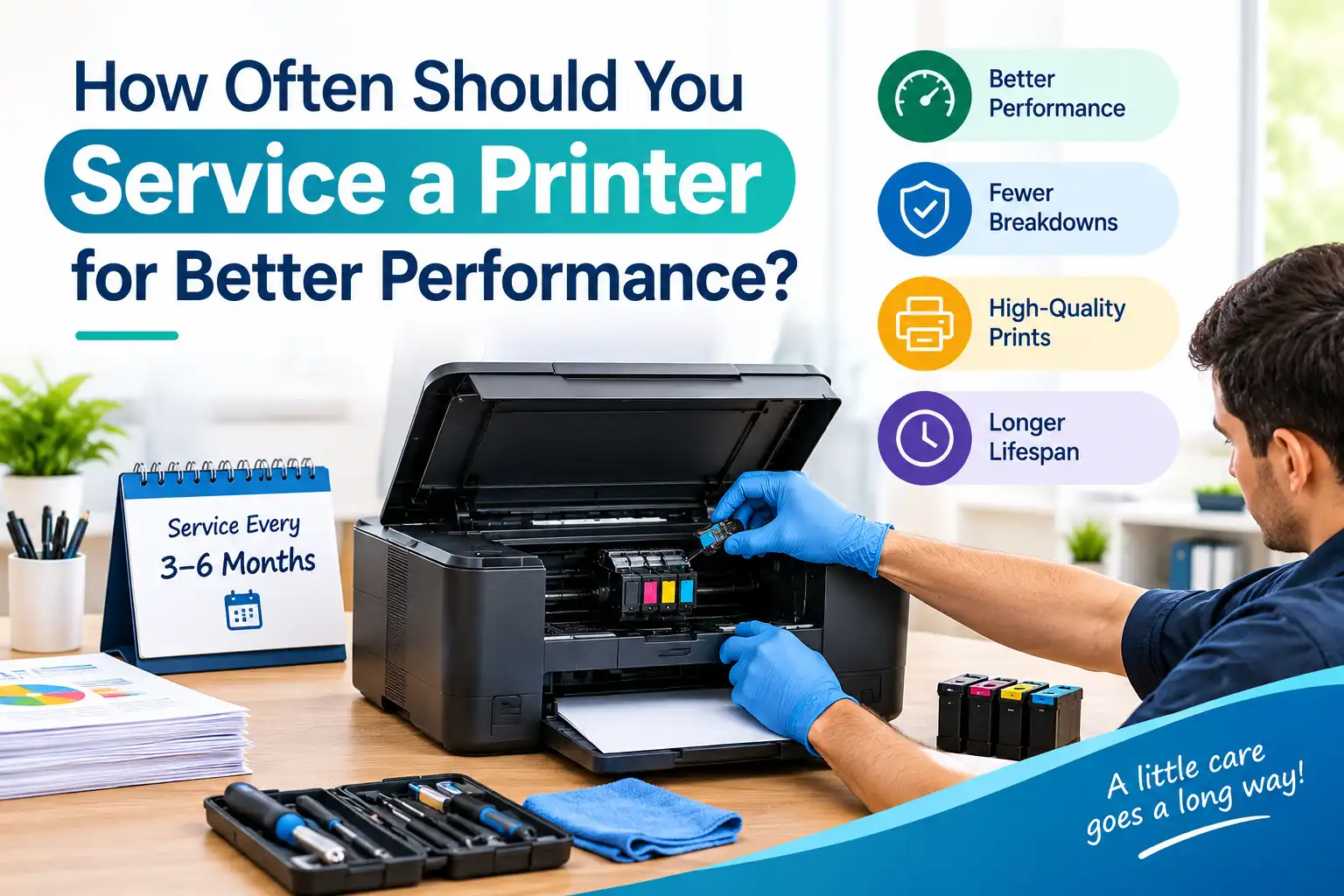
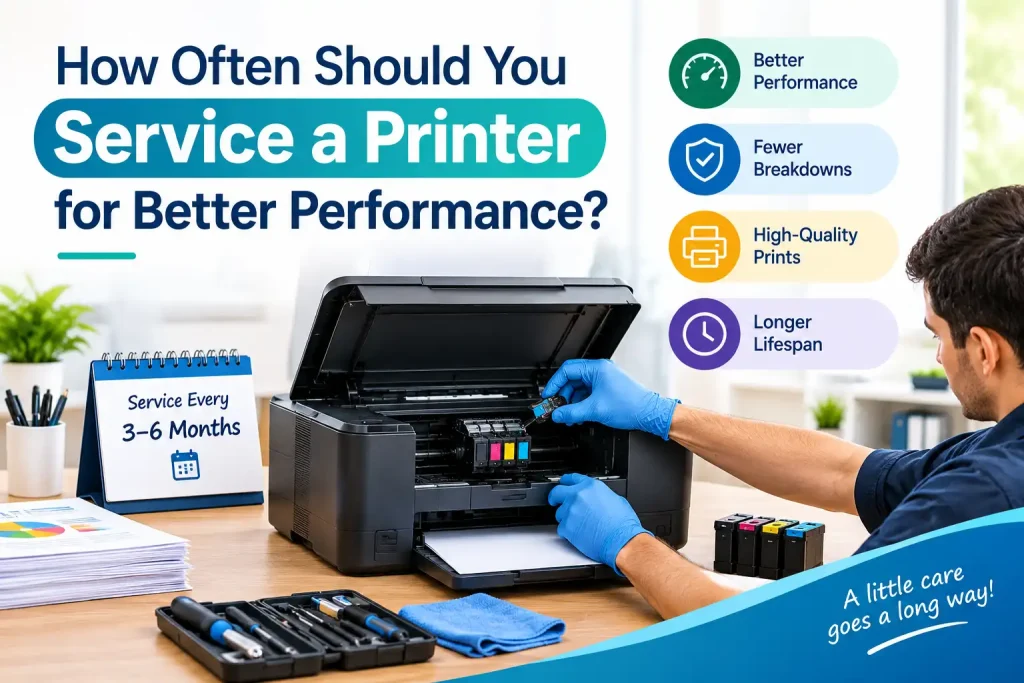
For light home use, a basic inspection and cleaning every six to twelve months may be sufficient. Moderate users can consider professional maintenance around every six months, while printers handling heavy workloads may require inspection every three to six months.
Businesses that depend heavily on printing should follow the manufacturer’s recommended maintenance schedule and monitor performance continuously.
Printers operating in dusty environments may also need more frequent cleaning. Similarly, machines exposed to humidity, heat, or poor-quality paper can require additional attention.
Signs Your Printer Needs Servicing
You do not always have to wait for a scheduled service appointment. Certain symptoms indicate that a printer may already require cleaning, adjustment, or repair.
Common warning signs include:
- Frequent paper jams or multiple sheets feeding together.
- Faded, streaked, blurry, or uneven prints.
- Unusual clicking, grinding, or squeaking sounds.
- Slow printing or repeated print-job errors.
- Ink smearing, toner marks, or inconsistent colors.
- Paper-feed problems or rollers failing to pick up sheets.
- Error messages that repeatedly appear despite replacing consumables.
Ignoring these symptoms can sometimes lead to additional component damage. Early inspection can help identify whether the problem is related to the printhead, rollers, toner system, cartridge, firmware, sensors, or another internal component.
Printer Maintenance Based on Usage
The amount and type of printing you do should influence your maintenance routine.
Occasional Home Printing
If you only print documents occasionally, dust protection and basic cleaning are particularly important. Inkjet printers may experience dried ink or clogged printheads when they remain unused for long periods.
Running the manufacturer’s recommended cleaning cycle when necessary and using the printer periodically can help maintain consistent operation.
Regular Home or Small-Office Printing
For moderate usage, check paper rollers, print quality, cartridges, and printer software regularly. Keep the device in a clean, dry location and avoid overloading the paper tray.
A professional inspection every six months can help identify wear before it affects everyday printing.
Heavy Office Printing
High-volume printers experience greater mechanical wear. Rollers, fuser assemblies, transfer components, printheads, and other parts may require more frequent inspection depending on the printer type.
Businesses should maintain a service record showing cleaning dates, replaced components, cartridge changes, and recurring error codes. This makes it easier to identify patterns and plan preventive maintenance.
What Does Professional Printer Servicing Include?
Professional printer servicing is more than simply removing dust from the exterior. A technician may inspect both the internal and external components to determine whether the printer is operating correctly.
The exact procedure depends on the model and technology, but maintenance may include cleaning paper-feed rollers, inspecting the printhead or imaging system, checking sensors, examining electrical connections, testing print quality, and removing accumulated dust or toner.
For laser printers, the technician may also inspect components such as the fuser, drum unit, transfer roller, and toner delivery system. Inkjet printers may require printhead cleaning, alignment, nozzle checks, and cartridge-related inspection.
Software and firmware can also influence printer performance. Drivers should remain compatible with the operating system, while firmware updates should be installed according to manufacturer recommendations.
Choosing a Printer Repair Shop in Sonarpur for Regular Maintenance
If your printer shows recurring problems or requires internal cleaning, choosing a qualified Printer Repair Shop in Sonarpur can make maintenance easier and more reliable.
Before handing over the printer, explain the symptoms clearly. Mention whether the problem occurs with every document or only specific print jobs. Providing details about paper jams, unusual noises, print quality changes, or error codes can help the technician diagnose the issue more efficiently.
A professional service provider should inspect the printer before recommending replacement parts. It is also useful to ask whether genuine or compatible components are being used and whether the repair includes testing after installation.
Regular maintenance from a knowledgeable technician can be especially valuable for multifunction printers that combine printing, scanning, copying, and sometimes fax functions.
How to Find the Best Printer Repair Shop in Sonarpur
When searching for the Best Printer Repair Shop in Sonarpur, consider technical experience, diagnostic practices, service transparency, and after-repair support rather than focusing only on the quoted price.
A dependable technician should be familiar with different printer technologies, including inkjet, laser, monochrome, color, multifunction, and business printers. They should also understand common problems involving paper-feed mechanisms, printheads, cartridges, toner, drums, fusers, sensors, and connectivity.
Before approving a repair, ask what is causing the issue and which component requires attention. If a replacement part is necessary, confirm its cost and compatibility with your printer model.
Professional servicing can also help you decide whether repairing an older printer makes financial sense or whether replacement would be more practical.
Keeping Printer Maintenance Affordable
Regular servicing does not have to become an unnecessary expense. Preventive maintenance can sometimes reduce the need for emergency repairs by identifying worn components early.
If you’re looking for an Affordable Printer Repair Shop in Sonarpur, compare service charges along with the quality of components, technician experience, warranty terms, and diagnostic process. A low service price may not represent good value if the same problem returns shortly afterward.
For routine maintenance, follow the manufacturer’s instructions and avoid using unsuitable paper, low-quality cartridges, or incompatible consumables. These choices can contribute to paper-feed problems, poor print quality, and internal residue.
Pixel Computer can also be considered when looking for professional assistance with printer maintenance and related computer equipment.
Simple Printer Care Between Professional Services
Professional servicing is important, but everyday care also contributes significantly to printer longevity. Keep the printer covered when it is not being used for extended periods, particularly in dusty environments.
Use paper that meets the specifications recommended for your printer. Store paper in a dry location and avoid using sheets that are folded, damp, or heavily damaged.
Clean the exterior regularly with an appropriate soft, dry cloth. Do not spray cleaning liquids directly into the printer because moisture can damage electronic components.
If your printer displays an error code, check the manufacturer’s documentation before repeatedly restarting the machine. Persistent errors may indicate a mechanical or electronic problem that requires professional diagnosis.
How Preventive Maintenance Improves Printer Performance
Preventive maintenance can improve reliability by addressing small issues before they interfere with daily printing. Clean rollers can improve paper feeding, while a properly maintained printhead or imaging system can contribute to more consistent output.
Regular servicing may also help identify components approaching the end of their useful life. Replacing a worn roller or other inexpensive part at the appropriate time can potentially prevent a larger failure later.
For businesses, preventive maintenance has another advantage: it can reduce unexpected downtime. A printer that suddenly stops working during an important business process can disrupt invoices, reports, forms, labels, and other documents.
Keeping a maintenance schedule also makes it easier to monitor recurring issues and manage consumable inventory.
When Should You Call a Printer Technician?
Some printer issues can be resolved through basic user maintenance, such as replacing an empty cartridge or clearing a straightforward paper jam. However, persistent problems may require professional attention.
If the printer repeatedly jams, produces poor-quality output after cleaning, makes unusual mechanical noises, refuses to recognize cartridges, displays recurring error codes, or stops communicating with connected devices, professional diagnosis is advisable.
Opening a printer without adequate knowledge can damage delicate components or create electrical and mechanical safety risks. A qualified technician can identify the underlying problem and recommend an appropriate solution.
Conclusion
The ideal printer service interval depends on how frequently the machine is used, its technology, operating environment, and manufacturer recommendations. Light users may need servicing less frequently, while high-volume offices can benefit from more regular preventive maintenance.
Cleaning, proper paper handling, timely replacement of consumables, and professional inspections can all contribute to better print quality and longer equipment life. When recurring problems appear, a dependable Printer Repair Shop in Sonarpur can diagnose the cause and help keep your printer performing reliably.
Frequently Asked Questions
1. How often should a home printer be serviced?
A basic professional inspection every six to twelve months is often suitable for light-use printers.
2. Do laser printers need regular servicing?
Yes. Regular cleaning and inspection can help maintain print quality and mechanical performance.
3. What are common signs that a printer needs service?
Frequent paper jams, streaks, faded prints, unusual noises, and repeated error messages are common warning signs.
4. Can I clean my printer myself?
You can perform basic exterior cleaning and manufacturer-recommended maintenance, but internal servicing should generally be handled by a trained technician.
5. Does regular printer maintenance extend its lifespan?
Proper maintenance can reduce wear, identify developing problems, and help keep the printer operating efficiently for longer.